
Key takeaways
Pick up almost any packet of snacks, spices, coffee or detergent and you are holding a printed pouch. Two quite different kinds of printing went into it. The colorful design, the brand and the product photography were printed onto the film long before it became a pouch. The best-before date, batch number and barcode were printed at the very last moment, on the packing line, seconds before the pouch was filled or sealed.
Both are called pouch printing, and they use completely different machines. Understanding the difference makes it far easier to choose the right equipment and to see where each one fits in a packaging operation.
This article covers both: the presses that print pouch designs and the coding systems that add variable information on the line.
Two Kinds of Pouch Printing
Graphics printing puts the permanent design onto the packaging film. It happens at a converter, a specialist printing and packaging plant, or in a packaging department with its own presses. The printed film is then usually laminated, slit into rolls and either turned into pre-made pouches or supplied as a roll for a form fill seal machine to make pouches on the line.
Coding prints information that changes from batch to batch or day to day: dates, batch or lot numbers, prices in some markets, barcodes and serial codes. It happens on the packing line itself, because that information is not known until the product is being packed.
Most manufacturers buy printed film or pouches from a converter and handle coding themselves. That split matters when deciding what equipment a plant actually needs.
Graphics Printing Technologies
| Technology | How it prints | Strengths | Watch for |
|---|---|---|---|
| Rotogravure | Ink is carried in cells engraved into metal cylinders and transferred to the film | Excellent image quality and consistency over very long runs | Cylinder cost and lead time make short runs expensive |
| Flexography | Flexible raised plates transfer ink from an anilox roller to the film | Lower plate cost, faster changeover, good quality on modern presses | Fine detail and gradients need a well set up press and good plates |
| Digital | Inkjet or toner systems print directly from a file with no plates | No plate cost, quick turnaround, easy short runs and personalization | Higher cost per pouch at high volumes, and ink choice for food packaging needs care |
Rotogravure
Gravure has long been the workhorse of flexible packaging, and it remains common across much of the industry. The design is engraved into metal cylinders, one for each color, and the result is rich, consistent printing that holds up over millions of impressions. The catch is the cylinders themselves. They take time and money to make, which is fine for a product that sells in huge volumes and painful for one that needs a small run or frequent design changes.
Flexography
Flexo uses flexible plates rather than engraved cylinders. Plates cost less and change over faster, which makes flexo more economical for medium runs and more frequent design changes. Modern plates and presses have narrowed much of the quality gap with gravure, and flexo is often chosen where water-based inks are preferred.
Digital printing
Digital presses print straight from a file with no plates or cylinders at all. That removes setup cost almost entirely, which makes short runs, seasonal designs, test launches and personalized packaging practical. The trade-off is a higher cost per pouch as volumes rise, so digital tends to complement gravure and flexo rather than replace them for high-volume products.
Choosing a Printing Technology
The decision usually comes down to a few questions.
Substrates and How Printing Adapts
Pouches are made from a wide range of films: polyester, polypropylene, polyethylene and aluminum foil, often combined into multi-layer laminates that each add something, such as strength, printability, a moisture barrier or heat-sealability.
Many pouches are reverse printed. The design is printed on the inside face of the outer film, which is then laminated to the inner layers. The ink ends up sandwiched between layers rather than on the outside, where it is protected from scuffing and kept away from both the consumer’s hands and the product.
Films generally need surface treatment so ink adheres properly, since many plastics naturally resist ink. Getting that right is one of the quiet factors behind print that stays sharp and does not rub off.
Food Safety and Inks
For food packaging, what the ink is made of matters as much as how it looks. Ink components and residual solvents from the printing process should not migrate into the food, and food contact packaging has to meet the applicable regulations in the markets where it is sold.
This is one reason reverse printing with lamination is so common for food. It also shapes ink selection, drying and curing, and the controls a converter needs to confirm that solvents have been properly removed before film leaves the plant.
 “From flexible-film coding to case-level printing, connected packaging automation keeps product information consistent throughout the journey from pouch to pallet.“

See it in action
Coding on the Packing Line
Coding is where most manufacturers actually operate their own printing equipment, and it is where mistakes cause real trouble. A wrong expiry date, a missing batch number or an unreadable barcode can mean a recall, rejected shipments or products pulled from shelves.
| Coding method | How it marks | Suits | Limitation |
|---|---|---|---|
| Thermal transfer overprinting | A heated printhead transfers ink from a ribbon onto the film | Crisp text and barcodes on flexible film, often on form fill seal machines | Ribbon is a consumable and the film must suit the process |
| Continuous inkjet | Tiny ink droplets are fired at the pouch without contact | Fast lines and curved or uneven surfaces | Ink and solvent handling, and more maintenance |
| Thermal inkjet | Cartridges fire ink droplets from a fixed printhead | High-resolution codes with simple cartridge changes | Throw distance is short and some films need specific inks |
| Laser coding | A laser alters or removes a surface layer to form the mark | No inks or ribbons, permanent marks | Needs a film or layer that responds to the laser |
Thermal transfer overprinting is especially common on pouch lines because it prints cleanly onto flexible film and suits the stop-start motion of many form fill seal machines. Continuous inkjet suits high speeds and awkward surfaces. Laser coding avoids consumables entirely but depends on the film having a layer that marks well.
Getting Coding Right
The coder itself is rarely the weak point. Most coding problems come from how it fits into the line.
Linking codes to the production order
When an operator types the date and batch into a coder by hand at the start of every run, errors are only a matter of time. Linking the coder to the line control system, so the correct information follows the production order automatically, removes a whole category of mistakes. When the product changes, the code content changes with it.
Verifying every code
A code that looks fine to the eye can still be unreadable to a scanner, and a printhead can drop out partway through a run. Vision inspection after coding checks that every code is present, correct and readable, and rejects packs that are not. It is far cheaper than finding the problem in a warehouse.
Where the code goes
The code has to land on a flat, clean area of the pouch that the design leaves free, in the right position every time. That is partly a packaging design question and partly a line question, since pouch position and motion at the coder decide how consistent the print is.
Codes and traceability
Batch numbers and barcodes are what let a manufacturer trace a pack back to when and where it was made. That only works if the code on the pack matches the records kept for that batch, which is another reason automatic linking to the line controls is worth having.
Where Pouches Go After Printing and Coding
Once pouches are filled, sealed and coded, they still have to be counted, grouped, packed into cases, sealed, coded again at case level and palletized for dispatch. Each of those steps benefits from the same principle that makes coding reliable: information carried automatically through the line rather than re-entered at every stage.
Where Cybernetik Fits
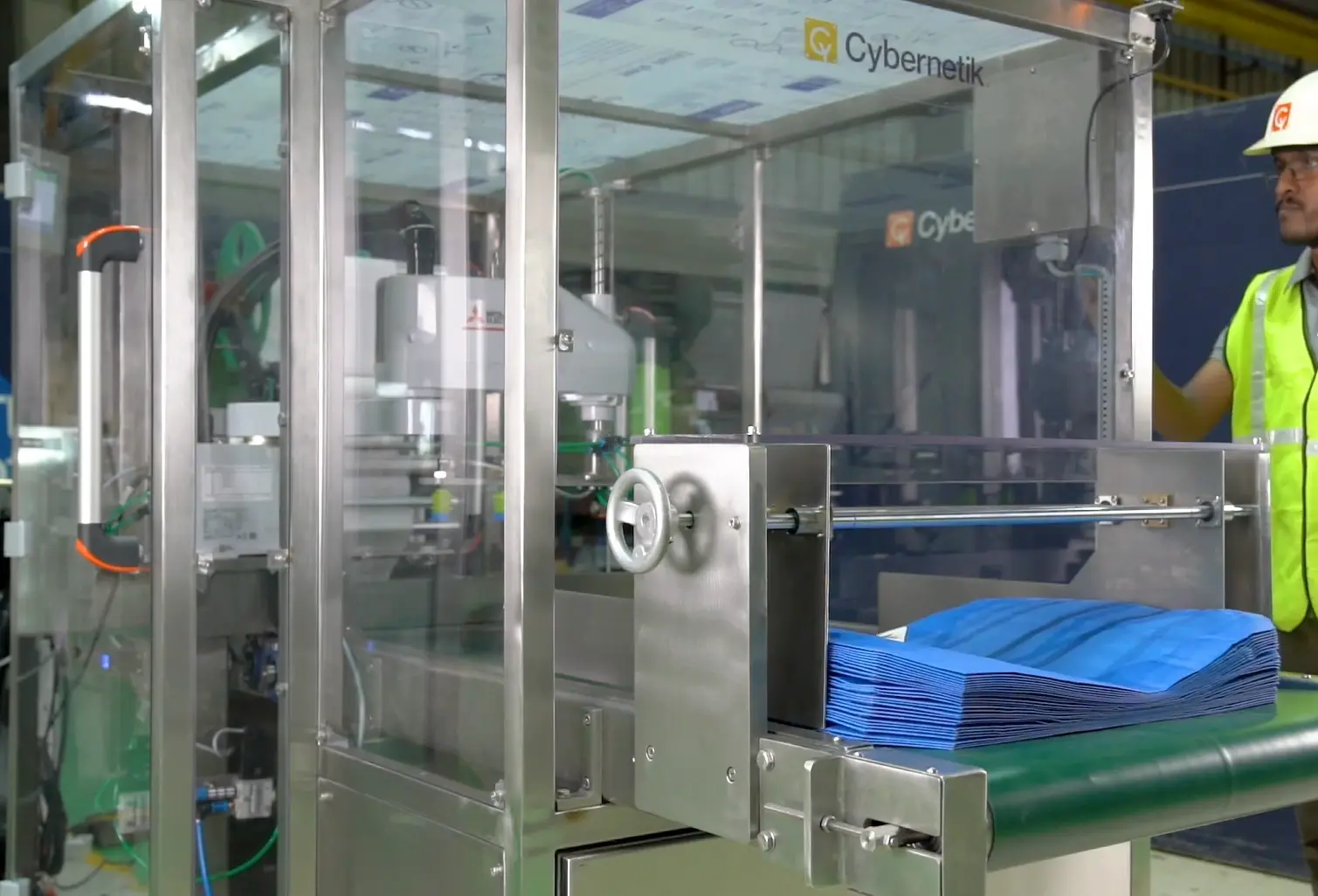
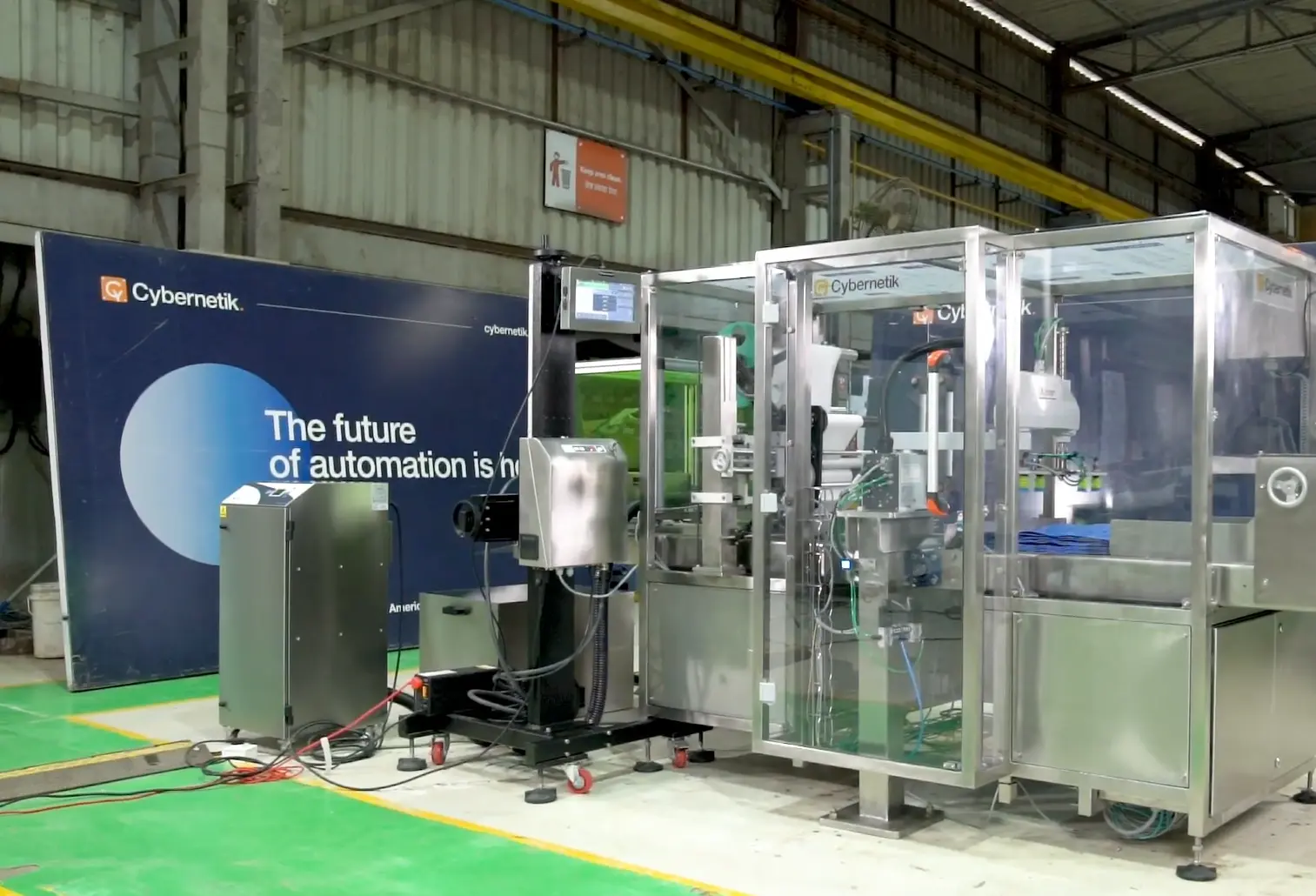
Cybernetik does not build graphics printing presses for pouch film; that is the work of the converting industry. Its role is on the packing line, where its packaging automation covers the stages after pouches are filled, including case packing, case sealing, coding and palletizing.
On those lines, date, batch and barcode coding is integrated with the line control system, so code content follows the production order rather than being typed in manually. That addresses the most common source of coding errors directly. At the end of the line, cobot palletizing can include integrated case printing, applying case-level information as cartons are stacked.
The case packing stage, where coded pouches are grouped and packed into cartons, is covered on the case packer page.
Cybernetik has been building automation for more than three decades. It is headquartered in Pune with facilities in Gujarat and Raigad and offices in the United States and UAE, and has installed over 6,000 systems in more than 30 countries, including over 400 custom automation solutions. More background is on the Cybernetik about page.